
Making Tech Less Hassle
Simple. Reliable. Relatable.
You’re here to support others… to hold space, guide, and help people move forward. The tech behind your work should feel easy, not overwhelming.
Whether you are a facilitator, coach, or small business owner, or an individual who just wants things to work as they should. Here to gently support you with the practical side of things, especially tech, so you can focus on what matters most.
From simple fixes to ongoing support, we help make things feel: Clear instead of confusing | Calm instead of stressful | Managed instead of messy
No jargon. No pressure. No overwhelm. Just straightforward, support when you need it.

Who This Is For
This might be what you need if you are a:
- Coach, facilitator, therapist, or healer
- Wellness practitioner or space holder
- Running (or wanting to run) sessions online
And you…
- Feel unsure where to start with tech
- Want things to feel simple and organised
- Have systems that kind of work… but not smoothly
- Keep putting things off because it feels overwhelming
- Just want someone to help you sort it, calmly and properly
You don’t have to figure it all out on your own.

Sound Familiar?
If any of these have crossed your mind…
- “I know what I want… I just don’t know how to set it up”
- “Tech just isn’t my thing”
- “I’ve tried… but it ends up confusing or messy”
- “My bookings aren’t flowing how they should”
- “Zoom works… but I don’t feel fully confident using it”
- “I just want it all set up and working properly”
- “I don’t want to spend hours Googling things anymore”
You’re not behind.
You’ve just not had the right support yet.
.png?width=1200&height=1200&name=Facilitator%20Support%20Sq%20(4).png)
How We Support
YouSupport That Meets You Where You Are. Everyone's different so we keep things flexible and simple.
D.I.Y
We can provide you with the tools and platforms to do things yourself.
Done With You
You'd like to understand it without feeling overwhelmed.
We'll work together on a call, guiding you step-by-step so it all starts to make sense.
No jargon. No rushing. Just calm, clear support.
Done For You
You'd rather it just be handled. We'll gently take care of things for you, setting everything up in a clean, simple, easy-to-use way.
This can include:
- Booking systems (inc Calendly, Cal.com)
- Zoom setup (audio, video, reliability)
- Linktree or Stan Store pages
- Simple websites or landing pages
- Full on websites incl Wix, Hubspot, Go High Level, Wordpress, Squarespace...
- Enquiry forms and email setup
- Automation options
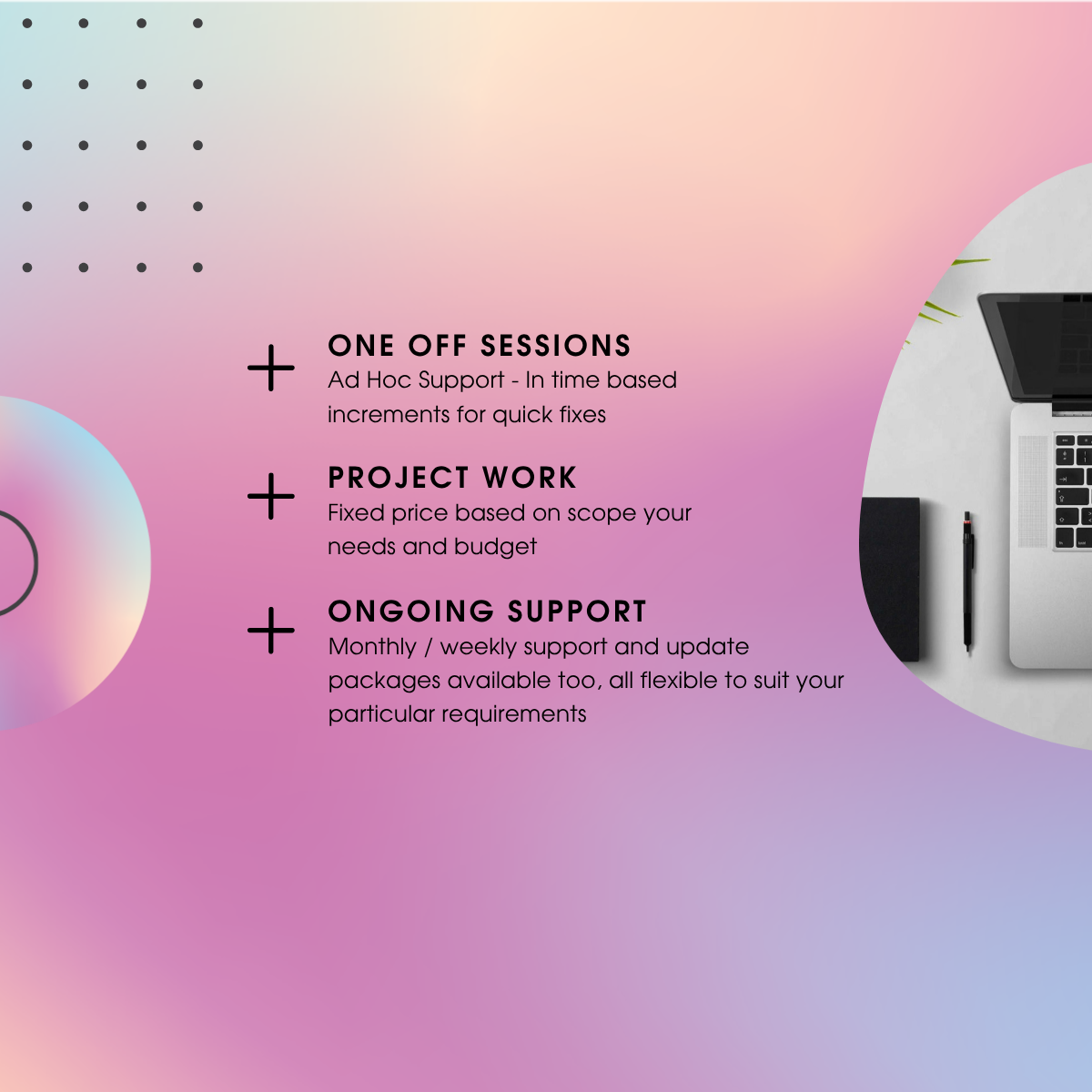
Ongoing Support (Optional)
If you've found something here helpful and just want to say thanks, there's a virtual tip jar, feel free to contribute whatever feels right. Pay a custom amount. It helps keep the mushroom coffee (and creative ideas) flowing ☕.
When you need more hands-on support, things stay simple and flexible:
- Reach out whenever you need help, no job too small
- Book time from 15 minutes upwards
- Pay as you go, or pre-pay support or project time. Some people even set up gift options for family and friends to contribute to, so it's ready for when you need it. Handy when you're just starting out.
For larger pieces of work, we can agree a fixed project price upfront, so everything's clear from the start.
We don't want you to feel stuck, just supported in a way that works for you.
Need Help Right Now?
If you're not sure where to start, or something's been on your mind, you can chat with our AI assistant below. It's there to gently guide you, answer simple questions, and help you take the next step if you wish, without any pressure.

Why Work With Us?
A Different Kind of Tech Support.
This isn’t about throwing tools at you or overcomplicating things. We understand the world you’re in, working with people, holding space, building something meaningful.
So we focus on:
- Keeping things simple and clear
- Moving at your pace
- Explaining things in a way that makes sense
- Creating systems that feel calm and easy to use
- Supporting you as a person - not just “fixing tech”
This is about helping you feel:
Clear. Confident. Supported

Frequently Asked Questions
Have Question? We are here to help
How can I pay for time or support?
If you’ve found something here helpful and just want to say thanks, there’s a virtual tip jar feel free to contribute whatever feels right. Pay custom amount
It genuinely helps keep the mushroom coffee (and creative ideas) flowing ☕
For more structured support, we keep things simple and flexible. You can book time in 15-minute increments so you only pay for what you need.
For larger pieces of work, we’re happy to agree a fixed project price so everything is clear from the start.
Once we’ve agreed what’s needed, we’ll send you a secure Stripe payment link to make things quick and easy.
Always appreciated more than you know.
How else can Connection Worx help?
We deal with lot of requests in house, but more importantly, we can also connect small and medium sized businesses to a trusted network of specialists too.
So if you need additional support with things like:
📊 Strategy, marketing & growth
💻 Websites, systems & automation
🔐 Data protection & cyber
💷 Finance, funding & business support
🎯 Personal development & wellbeing
We can connect you to the right people, quickly
No overwhelm. No endless searching.
Do I really need a paid email, or is a free one like Gmail okay?
Free email (like Gmail or Hotmail) can work when you’re starting out.
However, a branded email (like you@yourbusiness.com) often looks more professional and can help build trust with new clients.
It’s usually simpler and more affordable than people expect - and can grow with you as your business develops.
As always, we can help you choose the right option and get everything set up.
What kind of website do I actually need - and how much should I spend?
There’s no one-size-fits-all.
Some people need something simple and low-cost (like a single page or Link in Bio), while others benefit from a more complete website (Go High Level, Wix, WordPress, Squarespace etc.).
The key is choosing what’s right for where you are now - without overcomplicating things too early.
As always, we can help you find the simplest, most effective option and build from there.
Do I need a full website, or can I just use a Link in Bio page
For many facilitators and practitioners, a Link in Bio page (like Linktree or Stan Store) is a great place to start.
It can hold:
- Booking links
- Payment options
- Social media links
- Key information
This is often more than enough to begin with - and can be expanded later if needed.
As always, we can help you set this up cleanly and professionally.
Can you help me with Zoom? I use it but don’t feel fully confident.
Absolutely. Many people use Zoom, but aren’t fully confident with:
- Audio quality
- Camera setup
- Screen sharing
- Overall reliability
Small adjustments can make a big difference to how calm and professional your sessions feel.
As always, we can guide you through this or set things up with you.
What’s the best way to manage bookings and availability?
There are some great tools available, such as Calendly, Cal.com, Wix Bookings and others.
The right one depends on:
- How you work
- Your availability
- Whether you take payments
- How simple or flexible you want things to be
The goal is to have something that runs smoothly in the background without adding stress.
As always, we can help you choose and set up the right system.
What sort of computer or setup do I need for sessions?
You don’t necessarily need anything overly expensive - but having the right setup does help.
We can advise on:
- Laptops or desktops (Mac or Windows)
- Camera quality
- Microphones and audio
- Lighting (simple changes can make a big difference)
Often it’s about improving what you already have, rather than replacing everything.
As always, we can guide you based on your setup and budget.
What’s the difference between internet and WiFi - and why does mine drop out?
This is a really common one.
- Internet is the connection coming into your property
- WiFi is how that connection is distributed around your space
You can have strong internet but still experience poor WiFi coverage.
Things like wall materials, router placement, and layout all play a part.
We can help:
- Improve coverage (including mesh systems)
- Optimise router placement
- Check what services are available in your area
As always, we can help you get this working reliably for your sessions.
Can I use WhatsApp properly for my business?
Yes - and when set up well, it can be one of the easiest ways for people to contact you.
Using WhatsApp Business, you can:
- Create a business profile
- Set automated greetings and away messages
- Save quick replies to common questions
- Organise conversations with labels
We can also create clickable links with pre-written messages, so people can easily enquire, book, or ask questions.
As always, we can help you set this up so it feels simple and organised.
Can I keep my personal and business WhatsApp separate?
Absolutely - and it’s highly recommended.
You can:
- Use a second number (SIM or eSIM)
- Keep business and personal communication separate
- Maintain better boundaries and organisation
You can also use WhatsApp Web on your computer, which is great for:
- Typing messages more comfortably
- Managing conversations during the day
- Video calls and screen sharing
It’s come on a long way recently and can work really well as part of your daily setup.
As always, we can help you set this up in a way that works for you.
Do I need to worry about GDPR and data privacy?
If you’re collecting any client information (names, emails, forms etc.), it’s important to handle this properly.
It doesn’t have to be complicated - but having the right basics in place gives you and your clients peace of mind.
As always, we can help you understand what’s needed and put simple systems in place.
What about cyber security and protecting my business?
Even small businesses are now targets for scams, phishing emails, and security issues.
We can support with:
- Basic cyber awareness
- Email and password safety
- Device protection (antivirus / endpoint protection)
- Ongoing awareness training options
Nothing overwhelming - just practical steps to help keep you safe.
As always, we can guide you through this.
Can you help improve my audio and video quality for sessions?
Yes - and this is often one of the quickest wins.
We can help improve:
- Sound clarity
- Camera positioning
- Lighting
- Overall setup
Even small changes can make your sessions feel more professional and comfortable for both you and your clients.
As always, we can help you make simple improvements that have a big impact.
Unsure about anything?
If you’re unsure about any of this - that’s completely normal.
You don’t need to have it all figured out.
We’re here to help you make things feel simpler, clearer, and easier to manage - in a way that works for you.
Feel free to reach out anytime for a relaxed chat or a bit of guidance.
Do you recommend specific platforms or tools?
We work with a mix of platforms and tools and can help you make sense of whatever you’re already using… or point you in the right direction if you’re starting fresh. Some of the tools we recommend we’re partnered with, so we may receive a commission if you go ahead, but only ever ones we trust and use ourselves.
.